Skip to content
  • Categories
  • Recent
  • Tags
  • Popular
  • Users
  • Groups
Collapse
Brand Logo

Soplos Linux

  1. Home
  2. English forums
  3. Tyson
  4. Eye-candy 2026

Eye-candy 2026

Scheduled Pinned Locked Moved Tyson
9 Posts 3 Posters 30 Views
  • Oldest to Newest
  • Newest to Oldest
  • Most Votes
Reply
  • Reply as topic
Log in to reply
This topic has been deleted. Only users with topic management privileges can see it.
  • darknetmatrixD Offline
    darknetmatrixD Offline
    darknetmatrix
    wrote last edited by
    #1

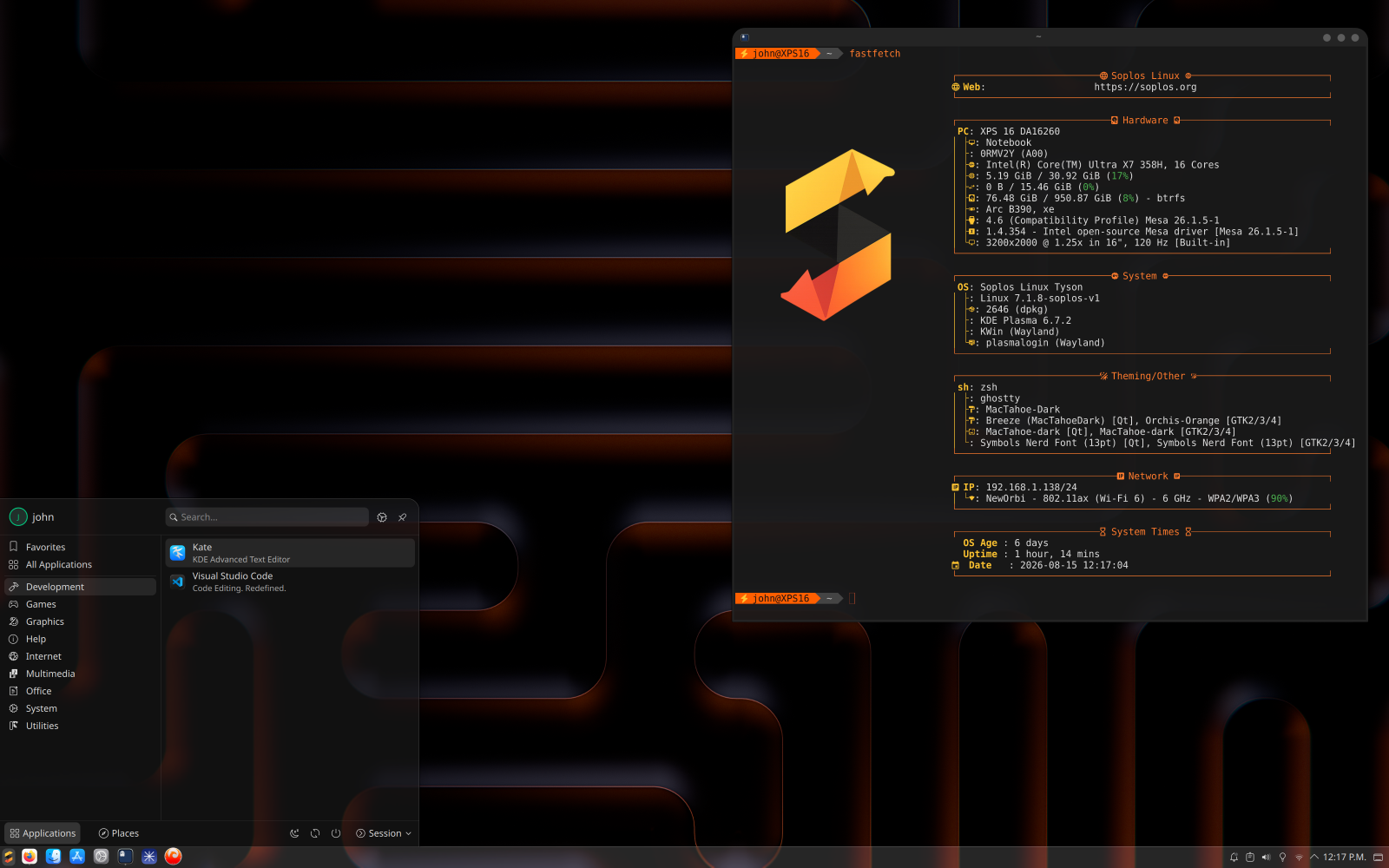
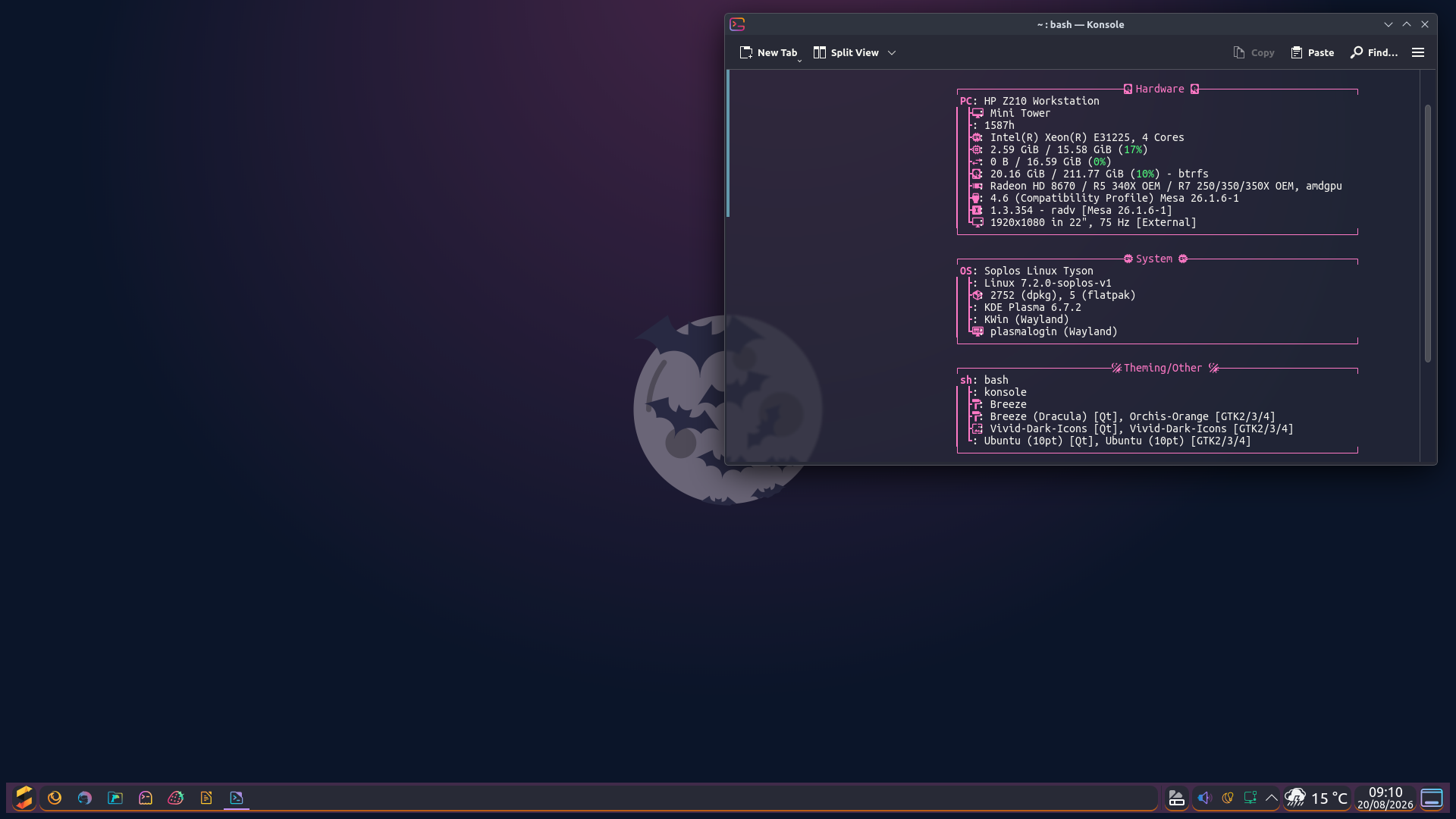
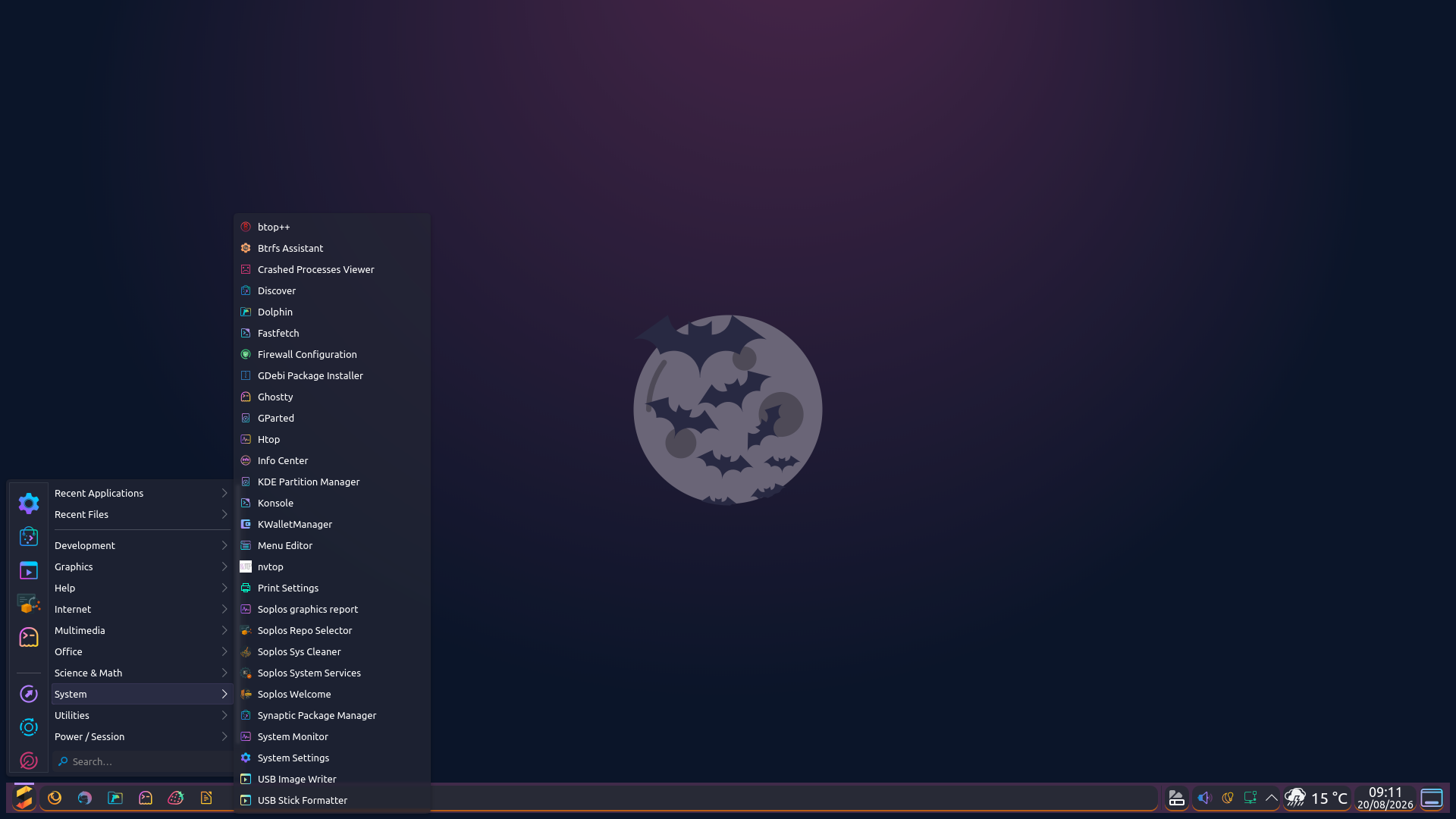
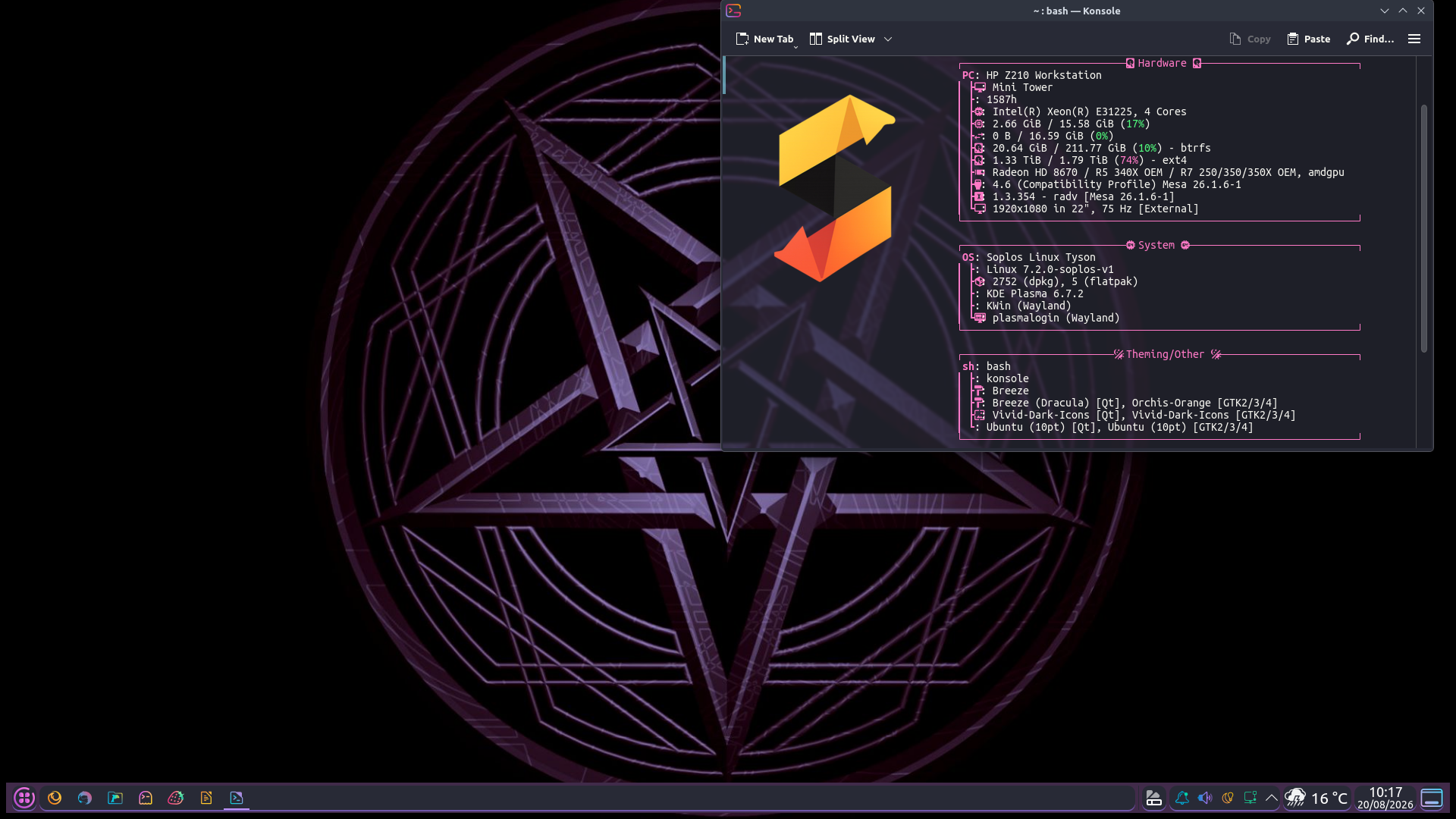
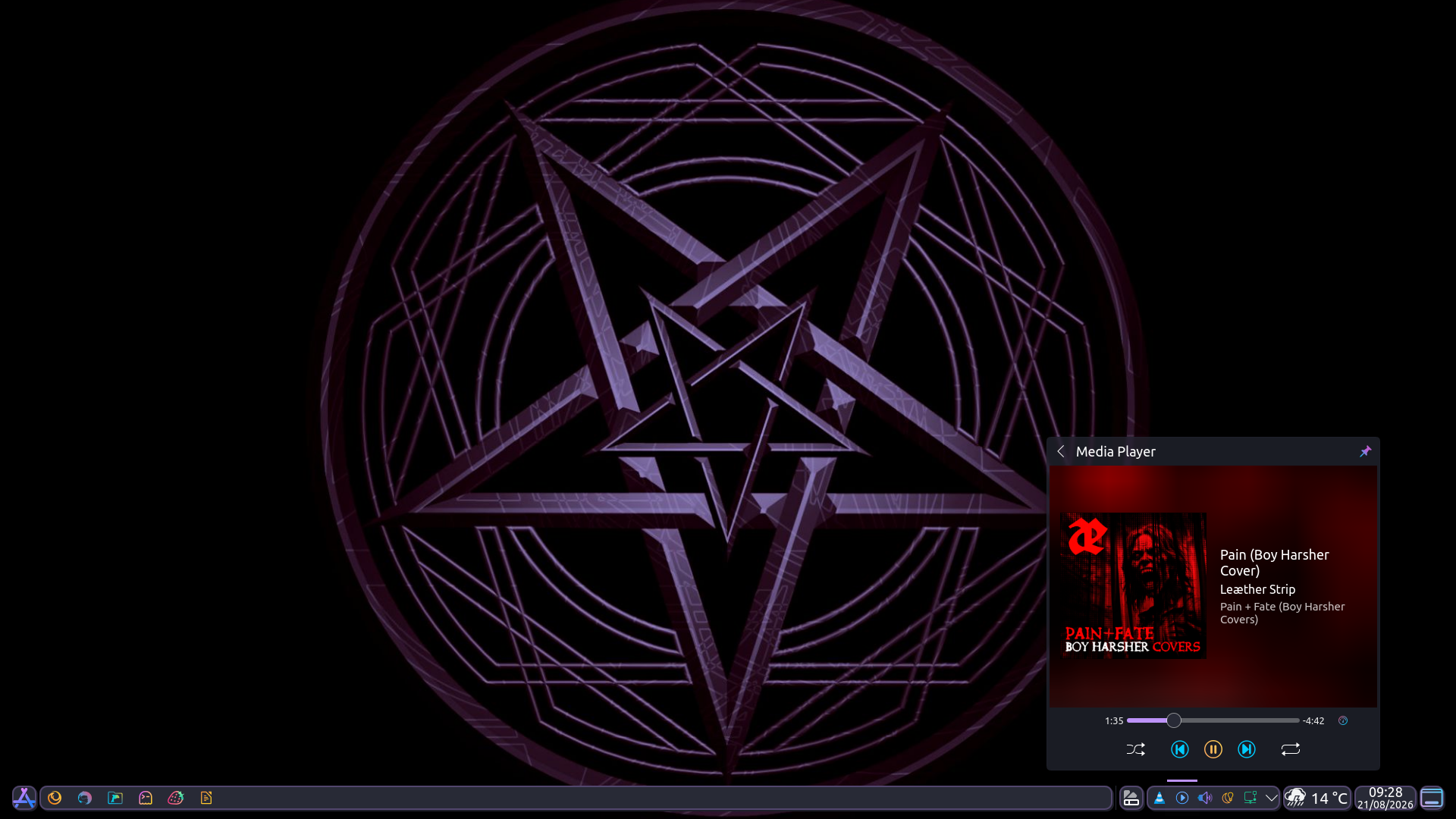
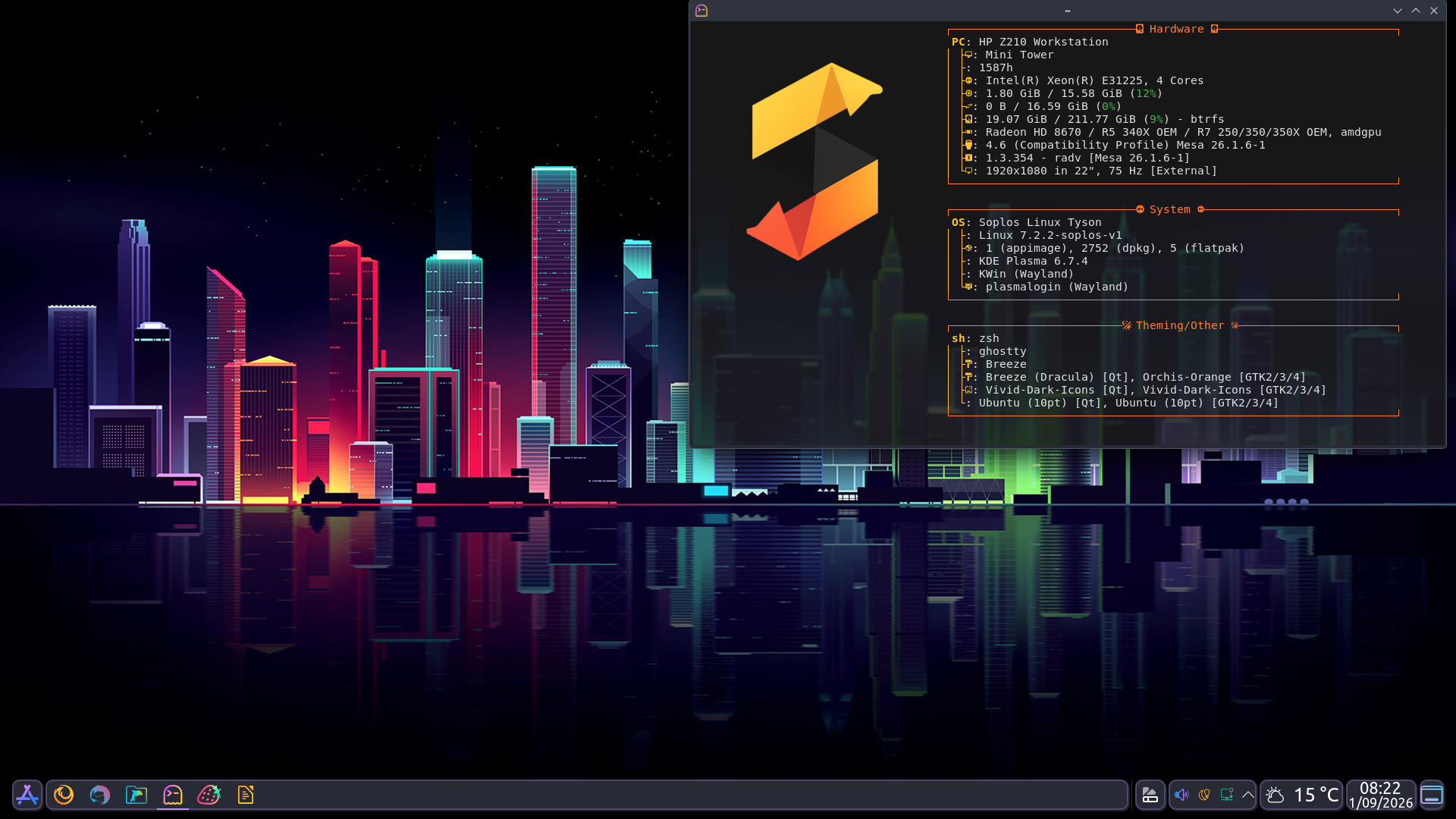
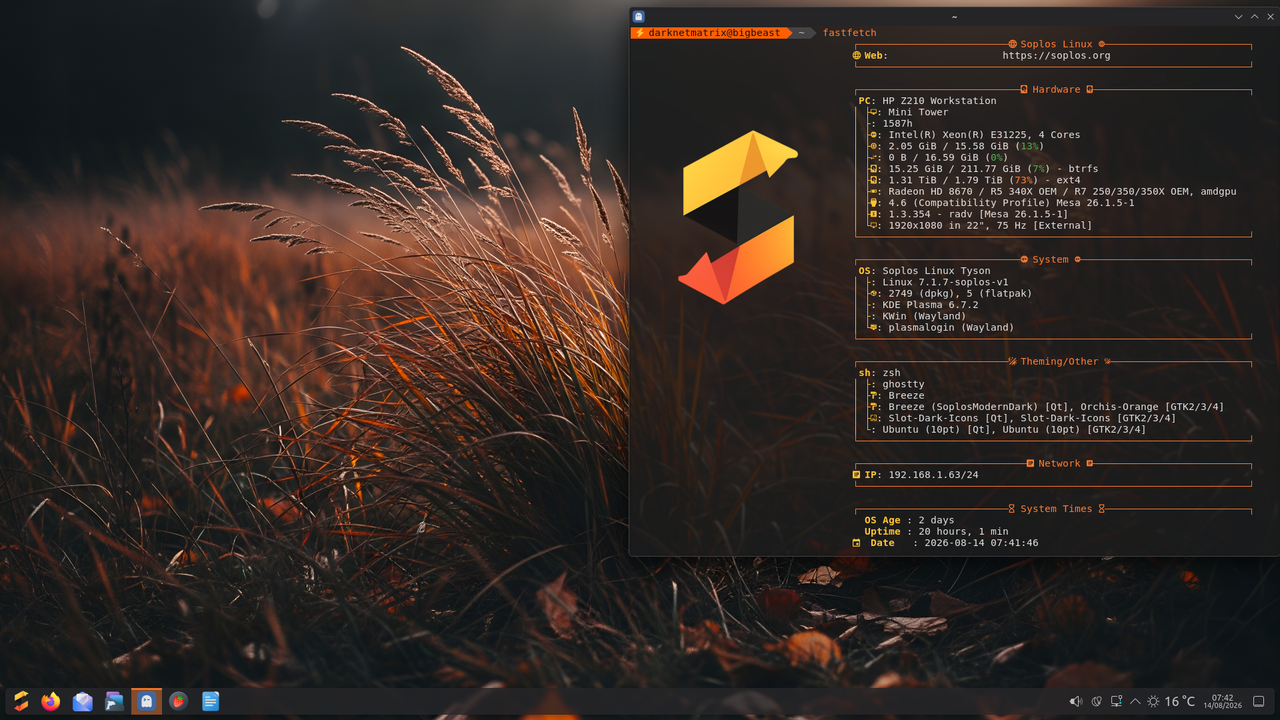
    A topic like the ones found on so many other forums—post your screenshots for 2026 here:
    alt text

    ⢀⣴⠾⠻⢶⣦⠀
    ⣾⠁⢠⠒⠀⣿⡁ Debian - The universal operating system
    ⢿⡄⠘⠷⠚⠋⠀ [url]https://www.debian.org[/url]
    ⠈⠳⣄⠀ linux user # 527315

    1 Reply Last reply
    0
    • subdesS Offline
      subdesS Offline
      subdes
      wrote last edited by
      #2

      Beautiful wallpaper 🙂

      🐧 Sergi Perich — Creator of Soplos Linux


      soplos.org · YouTube

      darknetmatrixD 1 Reply Last reply
      0
      • subdesS subdes

        Beautiful wallpaper 🙂

        darknetmatrixD Offline
        darknetmatrixD Offline
        darknetmatrix
        wrote last edited by
        #3

        @subdes said:

        Beautiful wallpaper 🙂

        Yeah, I think it fits perfectly with the standard Soplos vibe.

        ⢀⣴⠾⠻⢶⣦⠀
        ⣾⠁⢠⠒⠀⣿⡁ Debian - The universal operating system
        ⢿⡄⠘⠷⠚⠋⠀ [url]https://www.debian.org[/url]
        ⠈⠳⣄⠀ linux user # 527315

        1 Reply Last reply
        0
        • T Offline
          T Offline
          Techy
          wrote last edited by
          #4

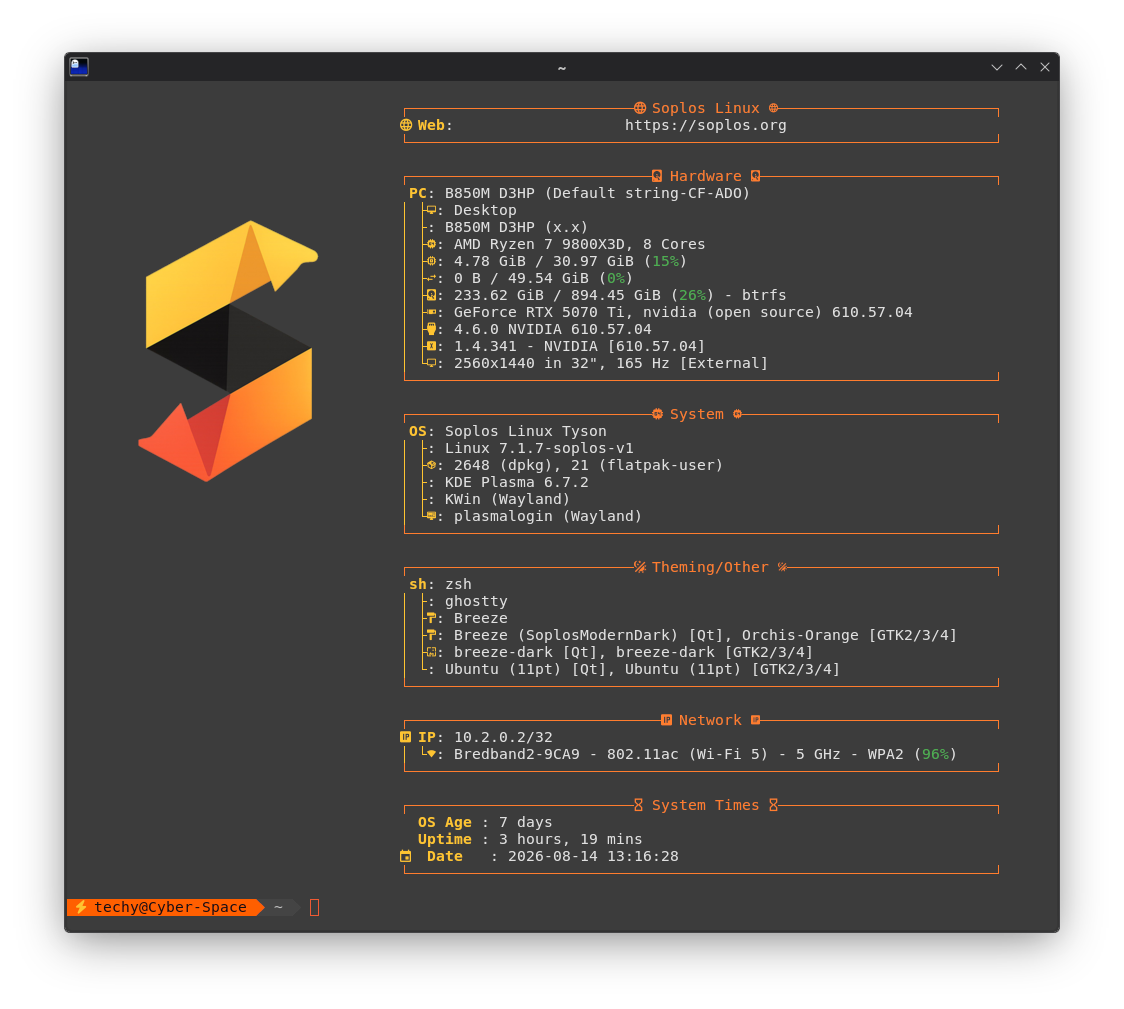
          How do you get the terminal to show all that info ?

          My rig: Ryzen 7 9800 and nvidia rtx 5070ti 16gb vram and 32gb ram and 2 nvme disks on 1 TB each

          1 Reply Last reply
          0
          • subdesS Offline
            subdesS Offline
            subdes
            wrote last edited by
            #5

            Hey Techy! That's fastfetch — it comes pre-installed on Soplos with a custom Soplos-themed config (colors, logo and layout tailored for the distro). Just open a terminal and type:

            fastfetch
            

            If you want to tweak it further, the config lives at ~/.config/fastfetch/config.jsonc.

            🐧 Sergi Perich — Creator of Soplos Linux


            soplos.org · YouTube

            1 Reply Last reply
            1
            • T Offline
              T Offline
              Techy
              wrote last edited by
              #6

              Skärmbild_20260814_131912.png
              Thanks

              My rig: Ryzen 7 9800 and nvidia rtx 5070ti 16gb vram and 32gb ram and 2 nvme disks on 1 TB each

              1 Reply Last reply
              0
              • subdesS Offline
                subdesS Offline
                subdes
                wrote last edited by
                #7

                You're welcome 😜

                🐧 Sergi Perich — Creator of Soplos Linux


                soplos.org · YouTube

                1 Reply Last reply
                1
                • T Offline
                  T Offline
                  Techy
                  wrote last edited by
                  #8

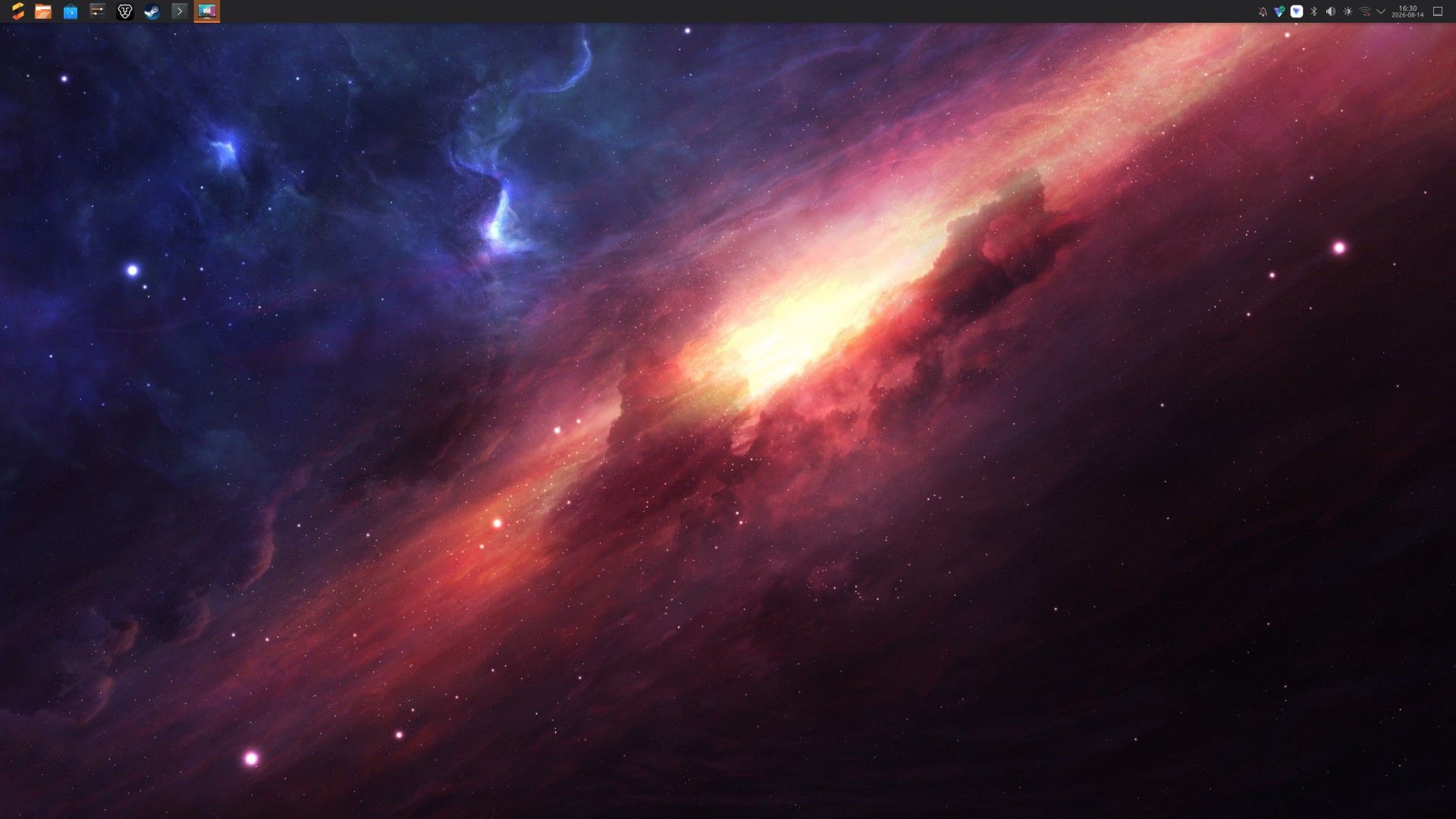
                  Skärmbild_20260814_163013.jpg
                  I like space pictures so thats what i have 🙂

                  My rig: Ryzen 7 9800 and nvidia rtx 5070ti 16gb vram and 32gb ram and 2 nvme disks on 1 TB each

                  1 Reply Last reply
                  0
                  • subdesS Offline
                    subdesS Offline
                    subdes
                    wrote last edited by
                    #9

                    Nice 🙂

                    🐧 Sergi Perich — Creator of Soplos Linux


                    soplos.org · YouTube

                    1 Reply Last reply
                    0

                    Hello! It looks like you're interested in this conversation, but you don't have an account yet.

                    Getting fed up of having to scroll through the same posts each visit? When you register for an account, you'll always come back to exactly where you were before, and choose to be notified of new replies (either via email, or push notification). You'll also be able to save bookmarks and upvote posts to show your appreciation to other community members.

                    With your input, this post could be even better 💗

                    Register Login
                    Reply
                    • Reply as topic
                    Log in to reply
                    • Oldest to Newest
                    • Newest to Oldest
                    • Most Votes


                    • Login

                    • Don't have an account? Register

                    • Login or register to search.
                    • First post
                      Last post
                    0
                    • Categories
                    • Recent
                    • Tags
                    • Popular
                    • Users
                    • Groups